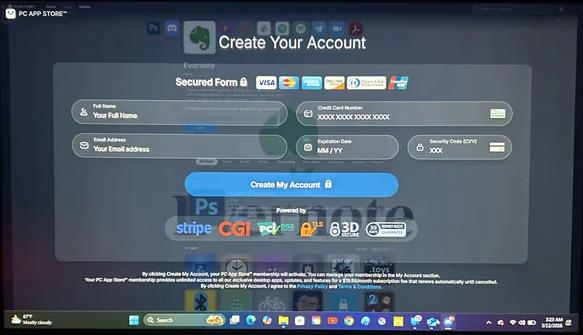
The fix:
1: Right click on Start Menu, click "Powershell (Admin)" or "Terminal (Admin)".
2: Click Yes to run it as Administrator.
3: Make sure the window has focus on the taskbar (is slightly highlighted).
4: Type in the following and then hit Enter. You won't be able to see it as you type. Capitalization does NOT matter for this command.
Copy to Clipboard
taskkill /F /IM PCAppStore.exe
It should disappear.
If so, then uninstall it and delete it's installer from the Downloads folder so you don't accidentally install it again.